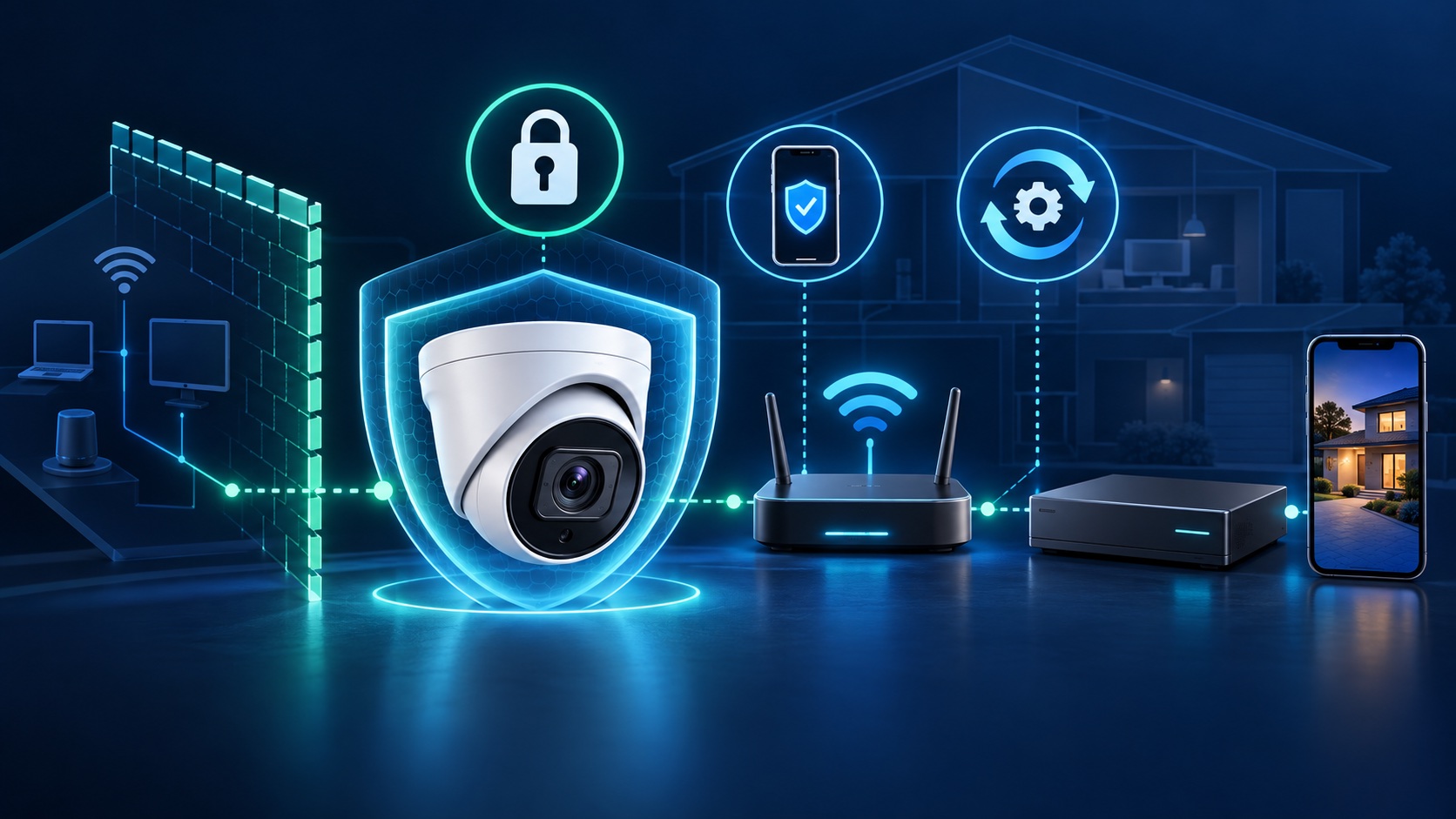
To secure an internet-connected camera system, protect every layer: the camera and recorder, the cloud account, the mobile app, and the network that connects them. Use a different password for each important account, enable multi-factor authentication where it is offered, install verified updates, remove unnecessary internet exposure, and review who still has access.
List each camera, recorder, viewing app, cloud account, router, and remote-access method. Record the model and current firmware version, but keep passwords and recovery codes in a password manager rather than in the inventory. This makes it easier to spot forgotten devices, former-user accounts, and equipment that no longer receives security updates.
Change factory credentials before the system goes into service. The camera, NVR or DVR, cloud account, email account, and router should not share a password. Reused credentials can turn a breach at an unrelated service into access to live video or recordings. The FTC's camera-security guidance specifically recommends replacing default credentials, avoiding reused passwords, and enabling two-factor authentication for cloud accounts when available.
MFA adds a second check when someone signs in to the cloud portal or viewing app. It is especially valuable because remote viewing is often reachable from anywhere. Enable it for the camera account and the email account used to recover that account. If the platform offers multiple methods, follow its current security guidance and keep backup codes somewhere protected.
Firmware and app updates can close known security weaknesses. Check the manufacturer's official support page or the authenticated device interface, confirm the exact model, read the release notes, and preserve the configuration before a major update. NIST identifies secure, configurable software updating as a core IoT cybersecurity capability and advises considering replacement when an older connected device no longer receives updates.
Updates should cover the full path: camera firmware, recorder firmware, mobile and desktop apps, router firmware, and any viewing software. A current camera behind an unsupported recorder or router can still leave the system exposed.
A camera or recorder usually does not need an open management page directly reachable from the public internet. Review port-forwarding rules, remote administration, and services that were enabled during setup. CISA warns that default credentials, outdated software, and misconfigured systems are frequently discoverable online; its exposure-reduction guidance recommends changing defaults, patching supported systems, using MFA, and routinely reviewing exposed assets.
Remote viewing should use a deliberately chosen method supported by the equipment and your risk needs. For a business system, ask who operates the remote-access service, how accounts are authenticated, what happens when an employee leaves, and whether direct inbound ports are required.
Network segmentation limits what a compromised IoT device can reach. A separate VLAN or properly configured IoT network can keep cameras away from business workstations, financial records, and other sensitive systems while still allowing the recorder and authorized viewing devices to communicate. NIST's guidance for home and small-business IoT networks recommends segmentation where possible, particularly for devices with known security risks.
Segmentation must be configured around the actual recording design. Randomly moving cameras to guest Wi-Fi can break local recording or discovery, so document the required traffic and test live view, recording, playback, alerts, and remote access afterward.
Limit remote access, preserve any relevant recordings and logs, and document unfamiliar users or configuration changes before resetting equipment. From a trusted device, secure the recovery email and cloud account, rotate passwords, enable MFA, update supported equipment, and remove unknown accounts. Check the router as well as the cameras and recorder. If footage may be evidence, export it before a factory reset or storage reformat.
Replacement deserves serious consideration when the manufacturer no longer publishes updates, required accounts cannot be separated, strong authentication is unavailable for remote access, or the system depends on unsupported apps or operating systems. Our camera-system upgrade audit explains how to compare security support with recording reliability and compatibility before replacing equipment.
A secure handoff should include account ownership, role assignments, update settings, remote-access documentation, configuration backups, and a test of live view and recorded playback. For a home or business system in Greater Los Angeles, request an installation or security review. You can also review our guides to comparing installers and troubleshooting offline cameras.
Tell us about your place and we'll respond within one business day with a tailored plan and pricing. Or call us right now.
Your request is in. A Tech Secure 360 specialist will reach out within one business day. Need help now? Call (747) 336-2737.
 TECH SECURE