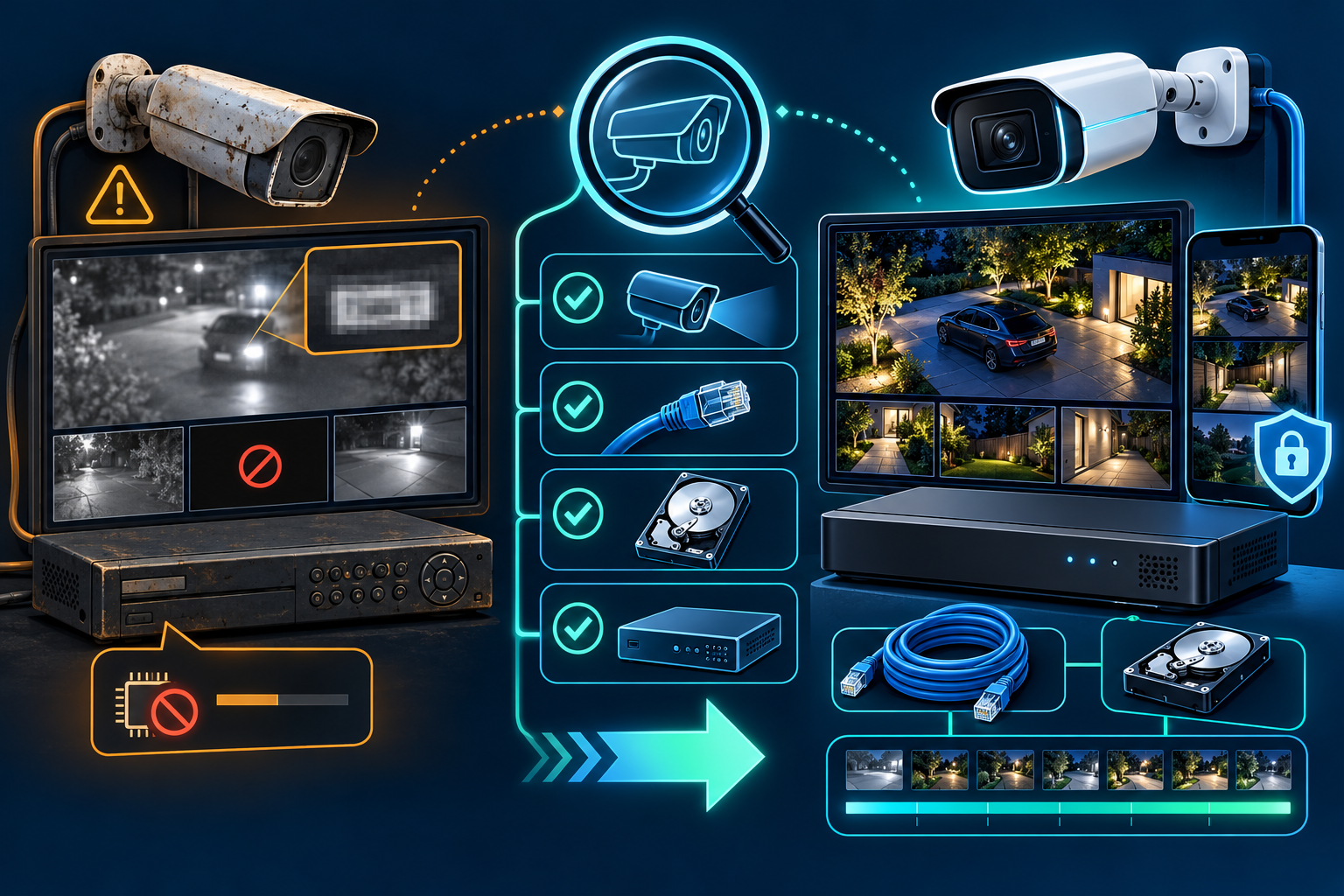
Upgrade when your current system can no longer capture and retrieve useful evidence, no longer receives security updates, or no longer covers the way you use the property. The age printed on the receipt is less important than what the system can do today. A focused repair or recorder upgrade may solve the problem; a full replacement is justified only when several parts of the system are limiting you.
Run this 10-minute audit before shopping
Use the system as if an incident just happened. Do not judge it only by the live view on a nearby monitor.
- Find and export a recent event. Confirm that the recording exists, the timestamp is correct, playback is smooth, and the exported file opens on another device. If live view works but recordings do not, start with our DVR/NVR recording checklist.
- Inspect the critical views by day and at night. Check entrances, gates, parking areas, registers, and other decision points at the distance that matters. A high resolution label cannot compensate for poor placement, glare, motion blur, or weak lighting. Our resolution guide explains what pixel counts do and do not tell you.
- Check every channel for reliability. Note cameras that reboot, drop offline, show interference, or fail after dark. One bad connector or power supply may call for a repair rather than a new system. Follow the offline-camera troubleshooting sequence before replacing hardware.
- Identify the exact recorder and camera models. Check the manufacturer's support page for current firmware and support status. If an internet-connected device is no longer supported, that is a security and maintenance concern, not merely a missing feature.
- Confirm account ownership and remote access. The property owner should control the main account, use unique credentials, and enable stronger sign-in protection when the platform supports it. Verify that live view and playback work away from the property.
- Check capacity. Compare the actual recording history with the retention you need, and confirm that the recorder has enough supported channels, storage, and network capacity for any planned additions.
Repair, target the bottleneck, or replace?
Repair the existing system when
- one camera, cable, connector, drive, or power supply is the clear failure;
- the remaining footage and exports are useful for your needs;
- the recorder and connected devices still receive manufacturer support; and
- the current layout covers the right areas.
A diagnostic visit can isolate the fault without changing equipment that is still working. See our DVR and NVR repair service for the kinds of recorder and recording problems that can be tested.
Choose a targeted upgrade when
- the cameras are adequate but the recorder is unreliable, unsupported, short on storage, or difficult to use;
- a few weak views need better cameras or better placement;
- remote access and account control are the main problems; or
- you need additional channels or longer retention but the existing cable routes remain useful.
This approach should be designed around the exact models and cable types already installed. A quote should state what stays, what changes, and which limitations remain.
Consider a full replacement when
- several components fail intermittently and the cause cannot be isolated economically;
- connected equipment is unsupported and cannot receive security fixes;
- the system cannot reliably record, search, and export footage;
- the platform prevents reasonable expansion or locks you into incompatible parts; or
- the original design no longer covers the property’s entrances, activity, or operating hours.
Can you reuse the existing cameras or cabling?
Sometimes, but compatibility must be checked model by model. An installer should identify the cable and connector type, camera power method, recorder inputs, supported resolutions and codecs, available Power over Ethernet budget, and the condition of each cable run.
ONVIF Profile T defines common IP-video features such as H.264/H.265 streaming, imaging settings, motion and tamper events, metadata, and HTTPS streaming. ONVIF conformance can make mixed-brand planning easier, but it is not a blanket promise that every feature works between every device. Verify the exact products and profiles in the ONVIF conformant-products database.
If the current system uses coax, a recorder change may preserve usable cable runs while replacing weak endpoints. If it uses Ethernet, cable condition, termination quality, distance, and PoE requirements still need testing. Our wired-versus-wireless guide separates power, video transport, recording, and remote access so the terms do not get mixed together.
Firmware support belongs in the upgrade decision
The U.S. Cybersecurity and Infrastructure Security Agency recommends replacing unsupported software and hardware, changing default passwords, and keeping internet-facing systems patched. CISA has also identified default credentials and outdated firmware as common security weaknesses in connected equipment, including security cameras.
Manufacturers publish different support tracks and end-of-support policies. For example, Axis documents active, long-term-support, and product-specific support tracks for device software, and advises customers to remove unsupported devices or use compensating risk controls. Check the policy for your exact brand and model rather than assuming a camera is supported because it still powers on.
What a good upgrade scope should include
- an inventory of the exact recorder, camera, switch, power, and storage models;
- a coverage plan tied to entrances and activities rather than a camera count alone;
- a written list of reused cabling and equipment, plus any remaining limitations;
- the recording schedule, expected retention assumptions, and export process;
- owner-controlled phone and administrator accounts with unique credentials;
- firmware and support status for connected equipment; and
- day, night, remote-view, playback, and export acceptance tests before handoff.
Use our installer quote checklist to compare scopes, or review our security camera upgrade service if you want an assessment of what can stay and what should change.
Primary sources
← Back to all articles
 TECH SECURE