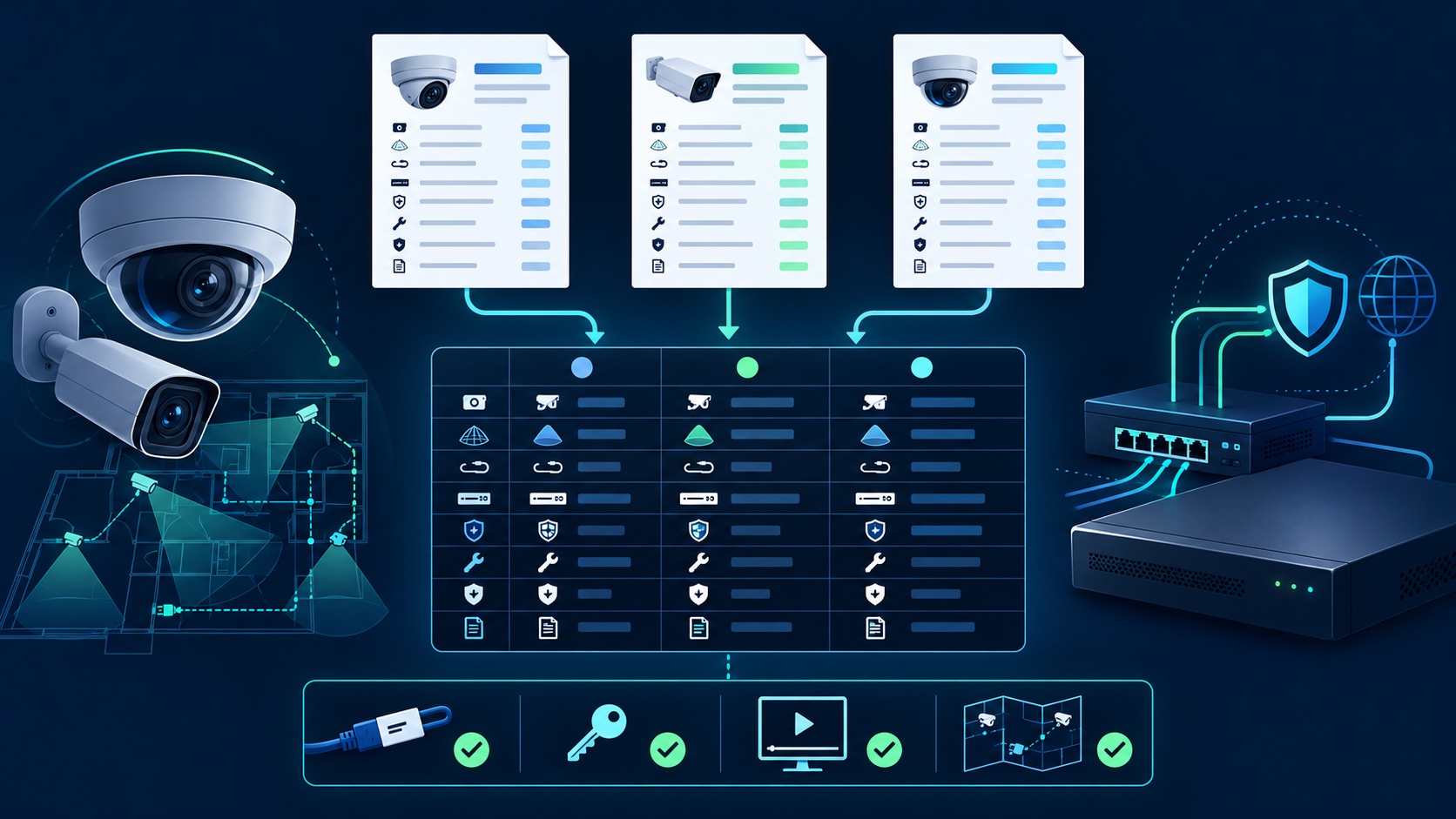
The best security camera quote is not necessarily the one with the most cameras or the lowest total. It is the one that clearly connects each camera to a coverage goal, identifies the equipment and work included, explains how recordings will be stored and accessed, and defines what you receive when the installation is complete.
Use the same written checklist with every installer. That turns three very different proposals into something you can compare line by line.
Before discussing brands or megapixels, write down the incidents and areas that matter: a front approach, package handoff, parking entrance, register, side gate, warehouse aisle, or shared hallway. Ask the installer to explain what each proposed camera should let you see and at what distance.
A wide overview and an identification view do different jobs. A quote should distinguish them instead of promising that one camera will capture everything. For larger properties, request a marked plan showing camera locations, view direction, recorder location, and the main cable routes.
Every proposal should identify the camera and recorder model numbers, lens or field of view, recording resolution, night-vision approach, weather rating where relevant, storage capacity, and whether licenses or subscriptions are required. “Eight 4K cameras” is not enough detail to compare two systems.
Ask whether the proposed cameras and recorder appear in the manufacturer's current support information and who provides firmware updates. If interoperability matters, verify claimed ONVIF conformance in ONVIF's official product database rather than relying only on a logo in a proposal.
A complete quote should state how cables will be routed and protected, who supplies switches or power supplies, whether patching or painting is included, how exterior penetrations will be sealed, what cleanup is included, and how changes are approved. For Wi-Fi equipment, the scope should still identify power, signal testing, recording destination, and what happens during an internet outage.
For residential work, California's Contractors State License Board says a home-improvement contract should describe the work, materials, equipment, payment schedule, and responsibility for any permits. Its official contract guidance also recommends putting promised changes in writing. Requirements depend on the project, so confirm which rules and license classifications apply to your job.
Do not treat a license number printed on a proposal as verification. Use the CSLB license-check service to review the current record when a California contractor license is required for the work. CSLB also recommends comparing written bids on the same plans, specifications, and scope instead of automatically choosing the lowest bid.
Ask how property damage and worker injuries are handled, and verify any insurance information relevant to the project. For references or portfolio examples, look for work similar to your building type and ask what was actually included. Photos alone do not show whether playback, storage, remote access, and handoff were completed correctly.
Ask each installer to state the recording mode for every camera, the estimated retention target, what assumptions produced that estimate, and how the final result will be checked. Camera count, average bitrate, scene activity, frame rate, compression, and continuous versus event recording all affect retention.
Our footage-retention planning guide explains how to work backward from the incident-discovery window. If the system uses a local DVR or NVR, the quote should also describe drive capacity, overwrite behavior, storage-health alerts, and how to export an important clip.
The owner should control the administrator account, recovery email address, and any cloud subscription. The installer should replace default credentials, create separate user accounts where appropriate, and explain who can view live video, export recordings, or change settings. The FTC's security-camera guidance recommends unique passwords, software updates, and two-factor authentication when available.
Ask whether remote access uses the manufacturer's supported service, a VPN, or another documented method. Avoid proposals that depend on unexplained open internet ports or an installer's permanent shared administrator login.
Before final payment, test the system at the recorder and on the owner's authorized devices. A useful acceptance checklist includes:
Use our Los Angeles installation quote guide to understand the work that changes a proposal, and review examples of completed Tech Secure 360 projects. To compare a tailored plan for your property, call or text (747) 336-2737 or request a free assessment.
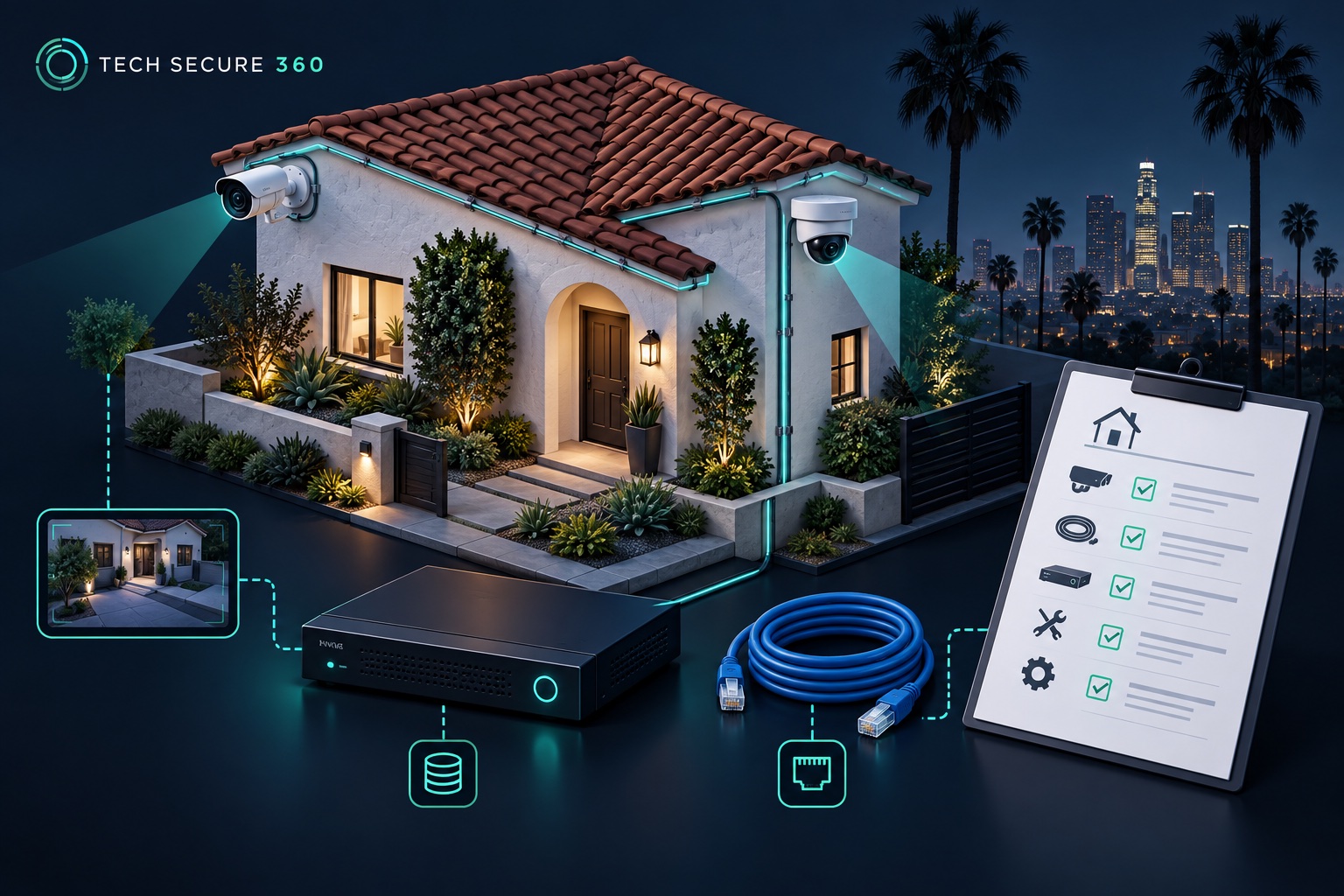
Compare equipment, cabling, storage, setup, and support.
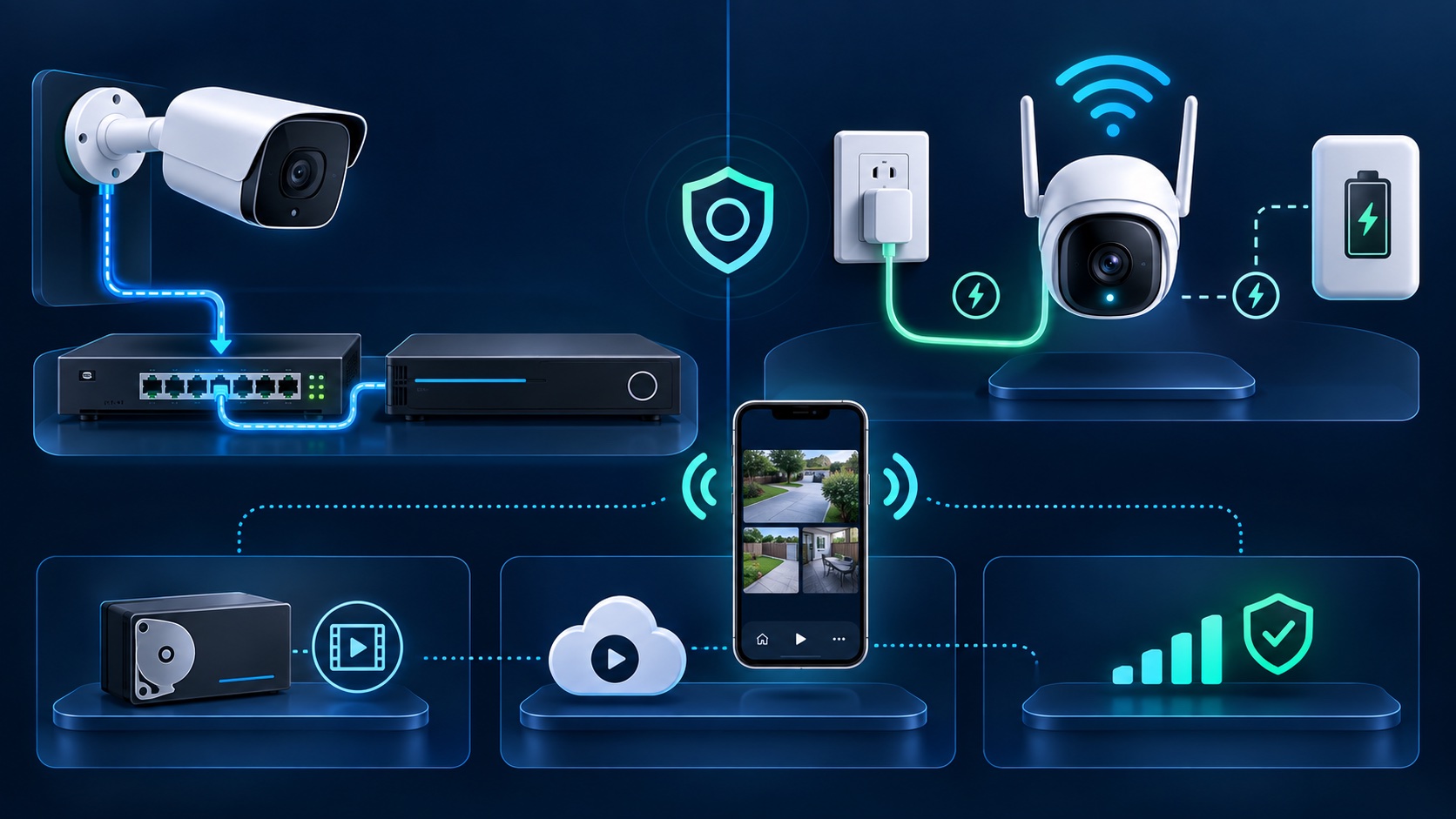
Separate power, recording, connectivity, and cable-route decisions.
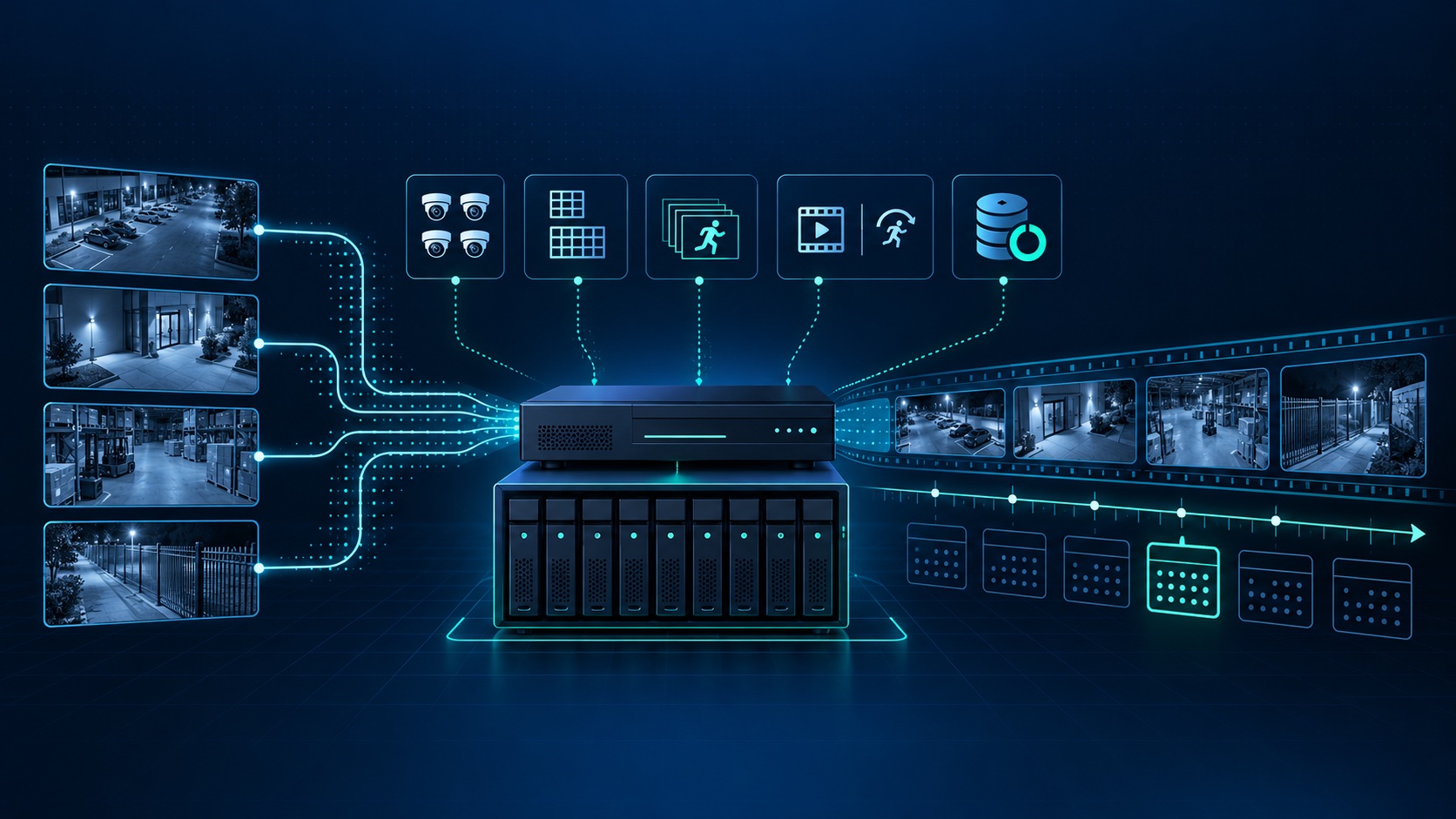
Choose a retention target and verify the storage needed.
Tell us about your place and we'll respond within one business day with a tailored plan and pricing. Or call us right now.
Your request is in. A Tech Secure 360 specialist will reach out within one business day. Need help now? Call (747) 336-2737.
 TECH SECURE