A useful apartment camera plan begins with incidents and movement, not a camera count. Owners and managers need to know where someone entered, where a package changed hands, how a vehicle reached the property, and whether the saved footage can be retrieved when a resident reports a problem.
The plan also needs boundaries. Cameras should cover legitimate common-area security needs without intruding into places where residents or visitors reasonably expect privacy. Before installation, document who approves placement, who can access recordings, and how long footage will remain available.
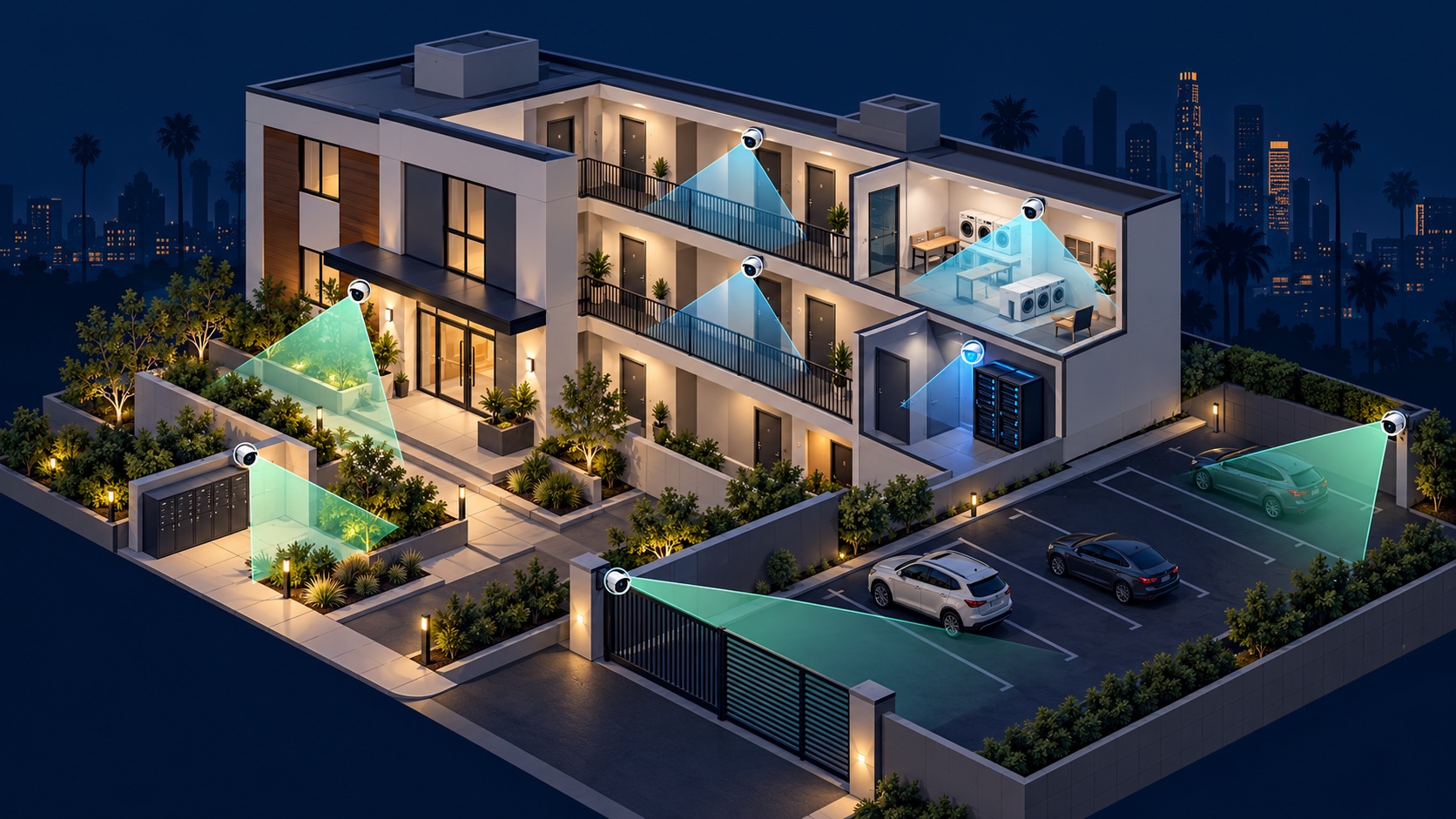
Walk the site at the times that matter: daylight, after dark, delivery hours, and peak vehicle traffic. Mark entrances, exits, blind corners, lighting changes, cable paths, network rooms, and the routes people take between the street and the building. A floor plan with intended views is easier to review than a list of model numbers.
For each proposed view, write the question it must answer. “Did someone pass through this doorway?” needs a different view from “Can we identify the person who used it?” The camera distance, angle, lens, light, and mounting height should match that purpose.
ONVIF's official camera-placement guidance emphasizes covering entrances, testing the view under actual lighting, and accounting for privacy and cybersecurity.
Keep cameras out of private interiors and avoid views into apartment windows or other spaces where people expect privacy. If a proposed camera includes a microphone, do not assume audio should be enabled. California Penal Code section 632 addresses recording confidential communications without the consent of all parties. Review the current official California statute and obtain advice for the property's circumstances. Camera installation guidance is not legal advice.
Use signage and a written camera policy when appropriate. The policy should describe the system's security purpose, who may request or view footage, how requests are documented, and how exported clips are handled.
Create individual accounts for authorized staff instead of sharing one administrator login. Separate routine viewing and exports from administrative powers such as deleting cameras, changing recording schedules, or formatting storage. ONVIF recommends limiting privileged users, assigning only the access each person needs, securing the camera network, changing default credentials, and keeping firmware current in its cybersecurity guide.
Write down what happens when a manager, employee, or vendor leaves. The handoff should include removing their account, preserving the current configuration, and confirming that the owner controls recovery email addresses and multi-factor authentication.
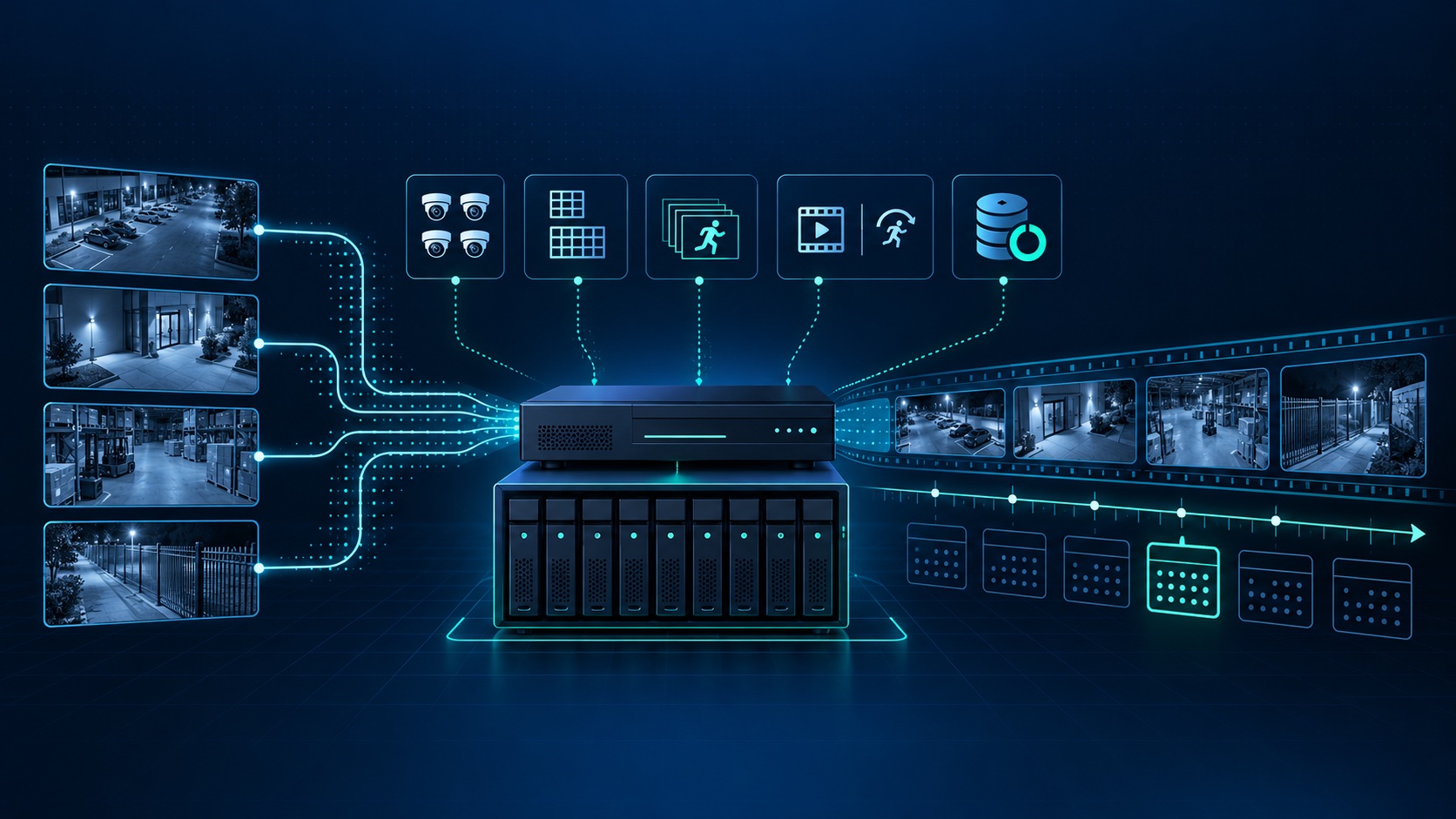
Ask how long it may take for a resident, delivery carrier, maintenance vendor, or manager to report an incident. Use that discovery window to set the retention target, then estimate storage from camera count, average bitrate, scene activity, frame rate, compression, and recording mode. Our updated footage-retention planning guide explains the process and why a generic number of days is unreliable.
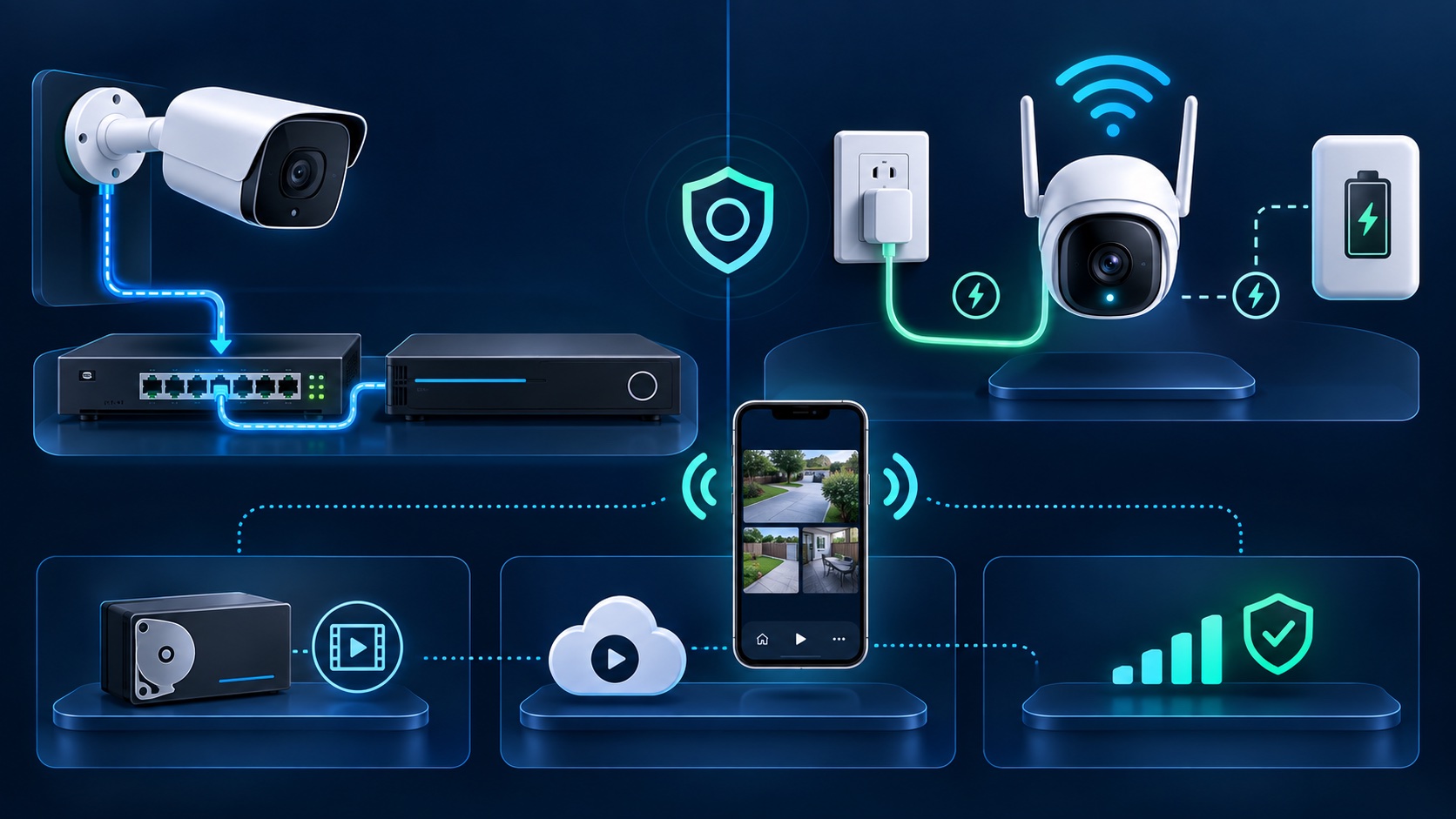
Document cable routes, network-switch capacity, PoE budget, surge protection, recorder location, remote-access method, and backup-power goals before work begins. Label both ends of each cable and match camera names to the site plan. Leave capacity for a reasonable future expansion instead of filling every recorder channel and switch port on day one.
Tech Secure 360 designs, installs, repairs, and upgrades apartment-building camera systems in Los Angeles. See examples of our shared-building camera work, call or text (747) 336-2737, or request a free site assessment.
Tell us about your place and we'll respond within one business day with a tailored plan and pricing. Or call us right now.
Your request is in. A Tech Secure 360 specialist will reach out within one business day. Need help now? Call (747) 336-2737.
 TECH SECURE